
EVERBIZ | Original content. Medical device market access compliance.
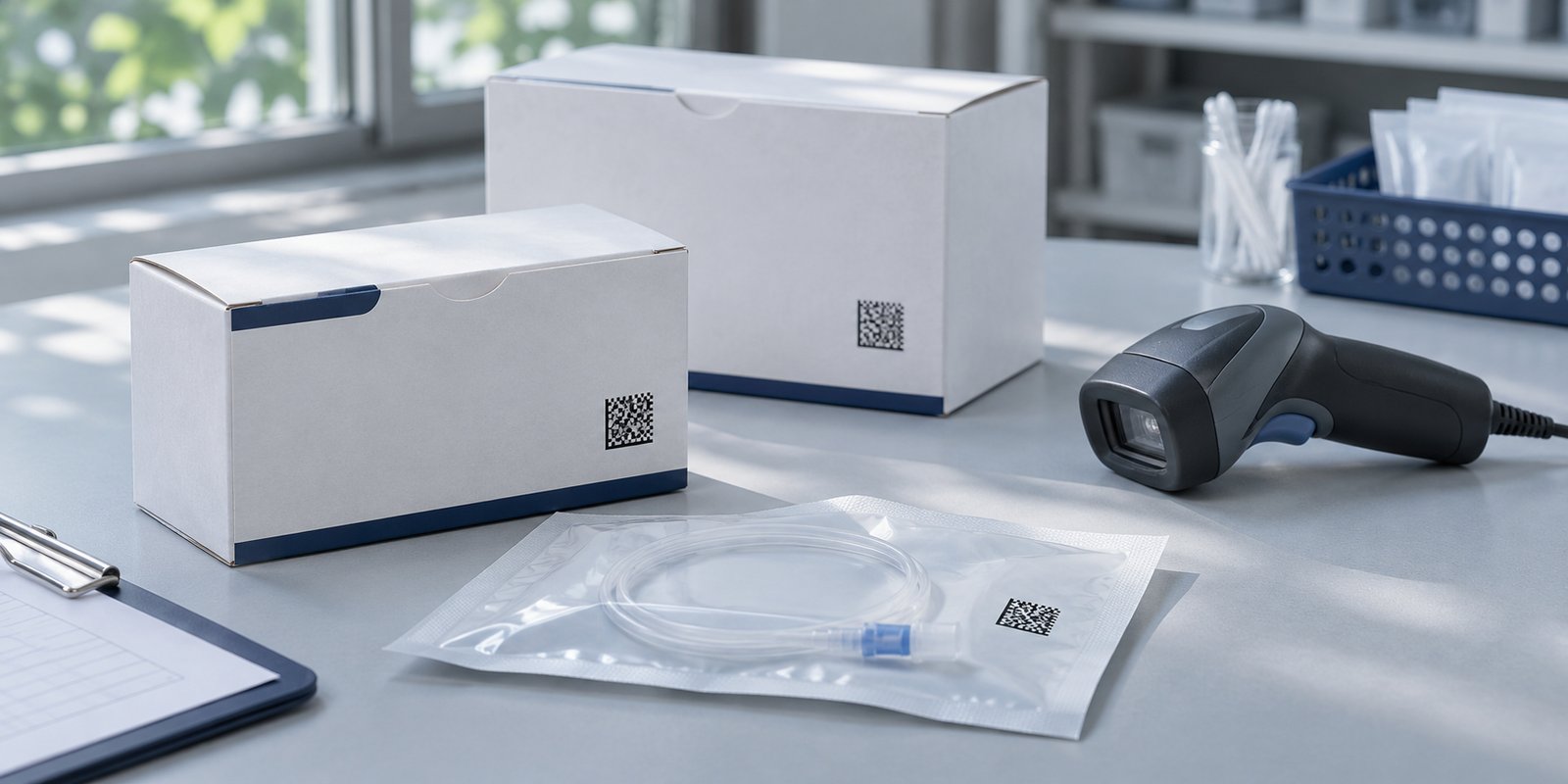
Your products already carry UDI barcodes and you have shipped to European customers – do you still need to register them in EUDAMED?
That depends on which regulation applies, when the device was first placed on the EU market, and whether further units of the same device continue to be placed on the market.
| Key date | What companies need to watch |
|---|---|
| 28 May 2026 | Use of the EUDAMED UDI/device registration module becomes mandatory. |
| 28 November 2026 | Registration deadline for devices already on the market that fall under the transitional registration arrangement. |

01 Which situation applies to your product?
| Product situation | What needs to be done |
|---|---|
| MDR/IVDR devices placed on the EU market for the first time on or after 28 May 2026 | For devices subject to registration, the manufacturer must complete EUDAMED device registration before placing them on the market. |
| Devices placed on the market before 28 May 2026 and still being placed on the market as new units afterwards | Check whether the transitional registration requirement applies. If covered by the Commission’s transitional arrangement, registration must be completed by 28 November 2026. |
| Legacy devices still placed on the market under the transitional provisions for the former directives | Assess whether registration is required under the applicable conditions, using the legacy device data set. |
When checking, review product models together with first-placement and subsequent placement records. A distributor selling stock already placed on the market and a manufacturer or importer continuing to place new units on the EU market must be assessed separately.
02 Basic UDI-DI, UDI-DI and UDI-PI: what is the difference?
| Name | Purpose | Typical location |
|---|---|---|
| Basic UDI-DI | Identifies a device group and links related products with compliance documents. | EUDAMED, EU Declaration of Conformity, relevant notified body certificates, etc. |
| UDI-DI | Identifies the specific device and the corresponding packaging level. | Product label, applicable packaging levels and the EUDAMED registration record. |
| UDI-PI | Provides production traceability such as lot number, serial number or expiry date, depending on the product. | Product label or applicable packaging. |
EVERBIZ tip: UDI barcodes and EUDAMED registration are two separate checks. Even if the packaging already carries a barcode, verify that the database contains the corresponding record and that models, codes and packaging levels match the actual labels.
Two points that are often confused: the Basic UDI-DI is not printed on the product label but appears mainly in EUDAMED, the Declaration of Conformity, the technical documentation and certificates; the UDI-PI is printed on the label but is not entered into EUDAMED.
UDI codes must be generated according to the rules of an EU-designated issuing entity – currently GS1, HIBCC, ICCBBA and IFA. Serial numbers created by a company itself cannot be used as a Basic UDI-DI or UDI-DI, even if they have enough digits.
03 Before registration: get these steps ready
- Complete actor registration and obtain an SRN. Manufacturers must first register as an economic operator (actor) in EUDAMED and obtain a Single Registration Number (SRN). Without an SRN, device registration is not possible.
- Non-EU manufacturers: confirm the EU Authorised Representative. Manufacturers outside the EU must appoint an EU Authorised Representative, who confirms the mandate in EUDAMED.
- Obtain codes from an issuing entity. Following the rules of the chosen issuing entity, assign a Basic UDI-DI to each device group and a UDI-DI to each model and packaging level.
- Choose a registration method. For a small number of products, entries can be made one by one in the EUDAMED web interface; for many models, use XML bulk upload or machine-to-machine (M2M) submission.
04 Which changes require a new UDI-DI?
After registration, not every change is a simple record update. Under Annex VI of the MDR/IVDR, a new UDI-DI must be assigned when the following information changes:
| Change | Example |
|---|---|
| Name or trade name | Product renamed or new trade name |
| Device version or model | New or changed model or size |
| Labelled as single use | Changed from reusable to single use |
| Packaged sterile | Changed from non-sterile to sterile supply |
| Need for sterilisation before use | Change in sterilisation requirements before use |
| Quantity of devices in a package | From 10 to 20 units per box |
| Critical warnings or contra-indications | e.g. newly labelled as containing latex or DEHP |
EVERBIZ tip: These changes usually also affect labels, instructions for use and technical documentation. Decide during change assessment whether the UDI-DI needs to change, to avoid updated labels while the database still holds the old record.
05 EVERBIZ Q&A: three questions we hear most often
Q: Do Class I devices without a notified body certificate also need to be registered?
Yes. The device registration obligation is not waived based on risk class (except for custom-made and investigational devices). For Class I devices without notified body involvement, certificate information is simply not entered; the Basic UDI-DI, UDI-DI and basic device data must still be registered.
Q: The Basic UDI-DI provided by a client is just a string of numbers. Can it be used directly?
It needs to be checked first. Taking GS1 as an example, a Basic UDI-DI consists of the company prefix, a model reference and two check characters. If the format or check characters are wrong, EUDAMED will reject the submission.
Q: If registration data was entered incorrectly, can it simply be edited?
Some fields can be updated in EUDAMED. However, if the change involves one of the UDI-DI triggers listed above, a new UDI-DI must be assigned and registered – the original record cannot simply be edited.
06 Four things manufacturers can check now
- Confirm regulation and classification. Distinguish between MDR, IVDR and legacy devices, and check registration obligations and timelines product by product.
- Check codes and packaging. Compile Basic UDI-DIs, UDI-DIs, models and packaging levels and match them against label artwork.
- Check registration data. Prepare manufacturer information, EU Authorised Representative details where applicable, intended purpose, risk class, EMDN code and applicable certificate information, consistent with the technical documentation.
- Verify registration results. After submission, check that device records are complete. When registered products undergo model, packaging or other key changes, decide whether to update the record or assign a new UDI-DI.
EVERBIZ tip: Start with a list of products still being placed on the EU market and mark each as “registered”, “to be registered” or “applicability to be confirmed”. Prioritise products that already carry barcodes but whose EUDAMED registration status has not been confirmed.
EVERBIZ provides EU Authorised Representative services, UDI coding and label review, and EUDAMED device registration support. To check whether your products fall under the transitional registration, prepare the product name and models, risk class, existing UDI information and EU placement records, and contact us.
Copyright notice: This article is original content by EVERBIZ. All rights reserved. Reproduction, excerpting or republication in adapted form without written permission is prohibited; authorised reproduction must credit “EVERBIZ”.